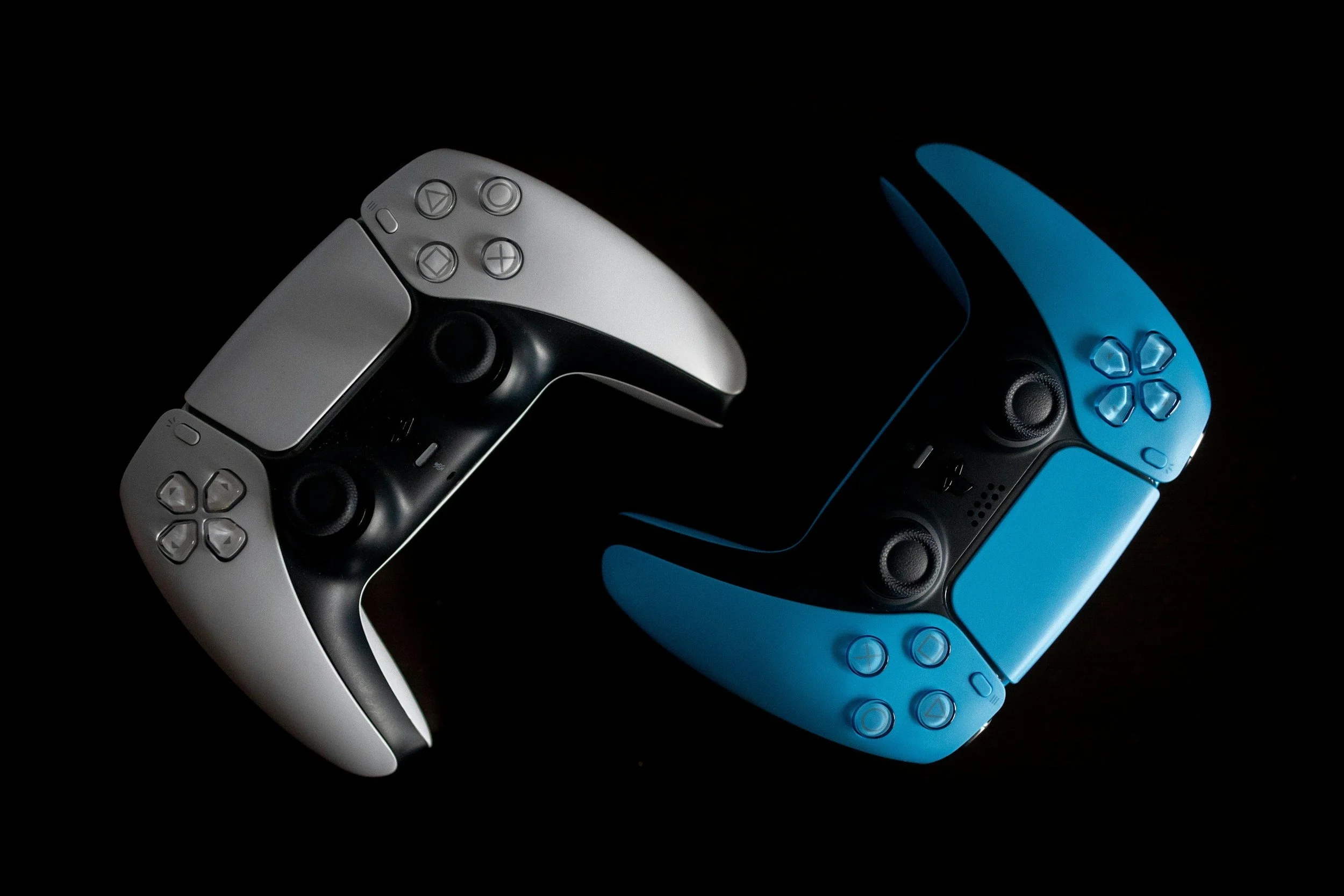
Your game’s controls are your player’s window into the experience you have created. They are what make a game a game. Without them, even if you make a gorgeous game, it will be just a frustrating movie. Unfortunately, without keeping accessibility in mind when creating your controls, you take that window away from a good chunk of your players.
Controls are one of those game features that can be influenced by many different barriers. Whether that be a temporary case of carpal tunnel, a sluggish morning, or having to pet your cat while you play. Or it can be permanent issues with motor control, vision, or cognitive ability. All of these can prevent your player from having an enjoyable experience, or even playing your game at all. The best way to account for all of this is to allow for control customization and/or ensure that your base controls are simplified
Common Issues:
Issues with eye tracking a pointer when using a mouse
Hand-eye coordination causing issues with time-sensitive inputs
Inability to use multiple inputs at once
Inability to repetitively use inputs
UI with strict navigation prevents the use of simplified controls
Issues with holding down buttons
Implementation Guides:
Examples of Simplified Controls:
Resources for Haptic Feedback:
Examples of Input Adjustments:
Good Resources:
